

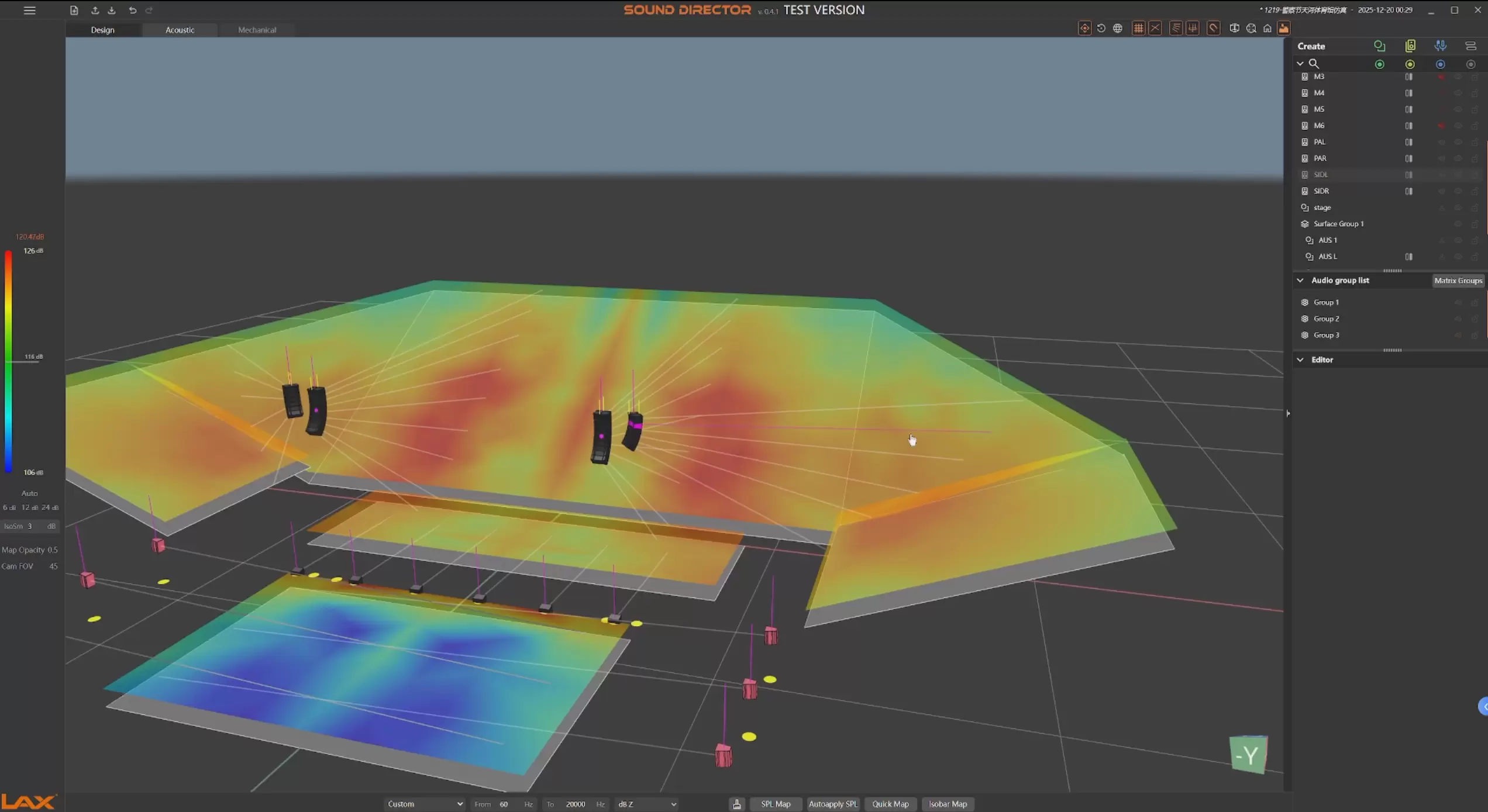
sound director
Sound-Director is a 3D sound simulation software developed by LAX. It supports functions such as online 3D modeling, sound field simulation, line array configuration calculation, and loudspeaker mechanical parameter computation. This software assists engineers in the design of sound systems, enabling them to predict the desired acoustic performance of their designs in advance.
Modeling
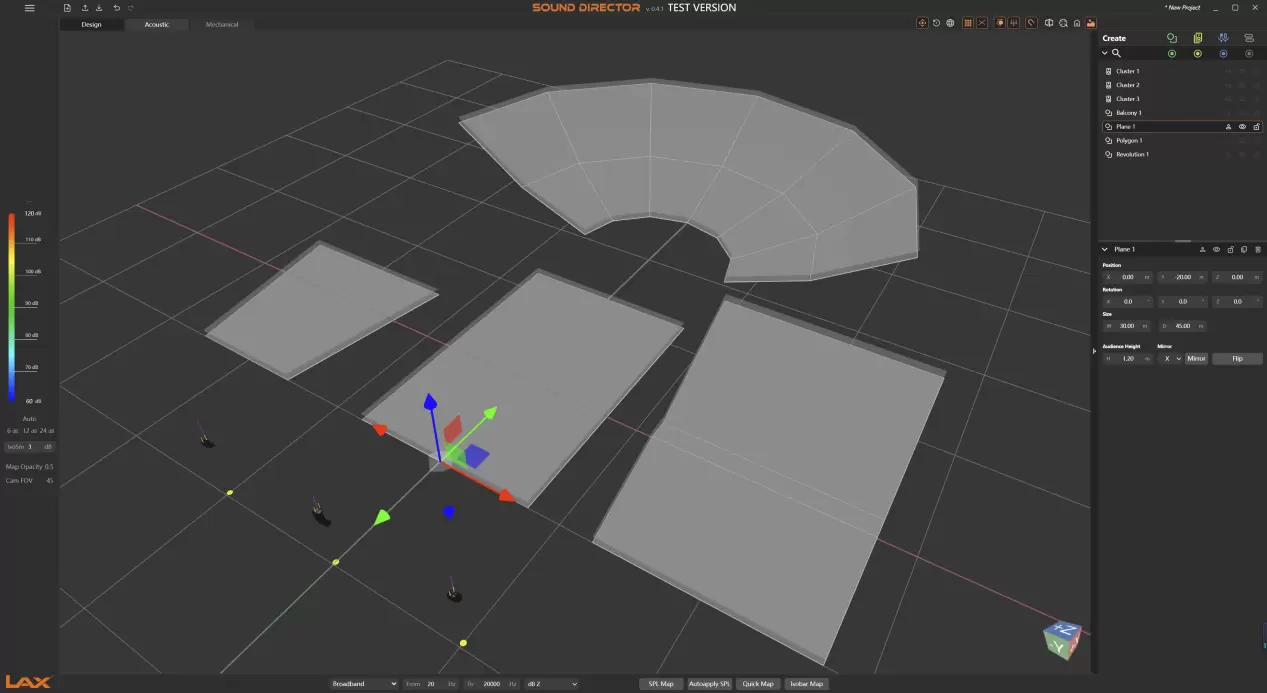
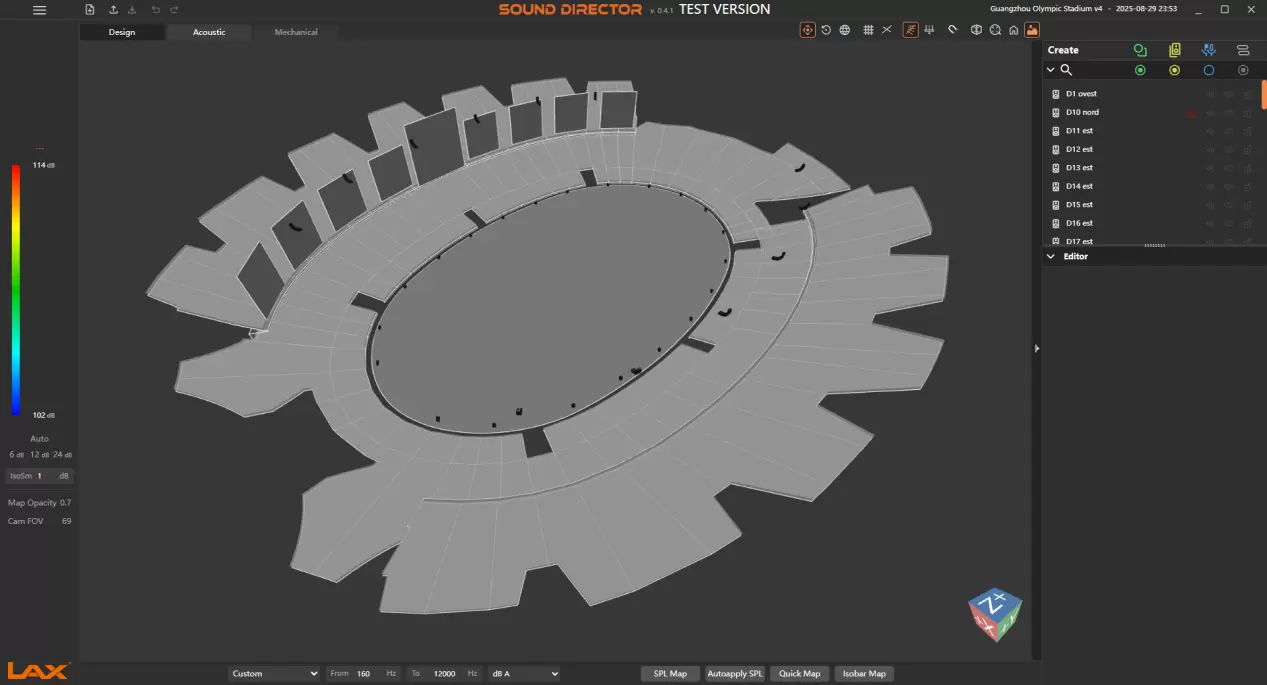
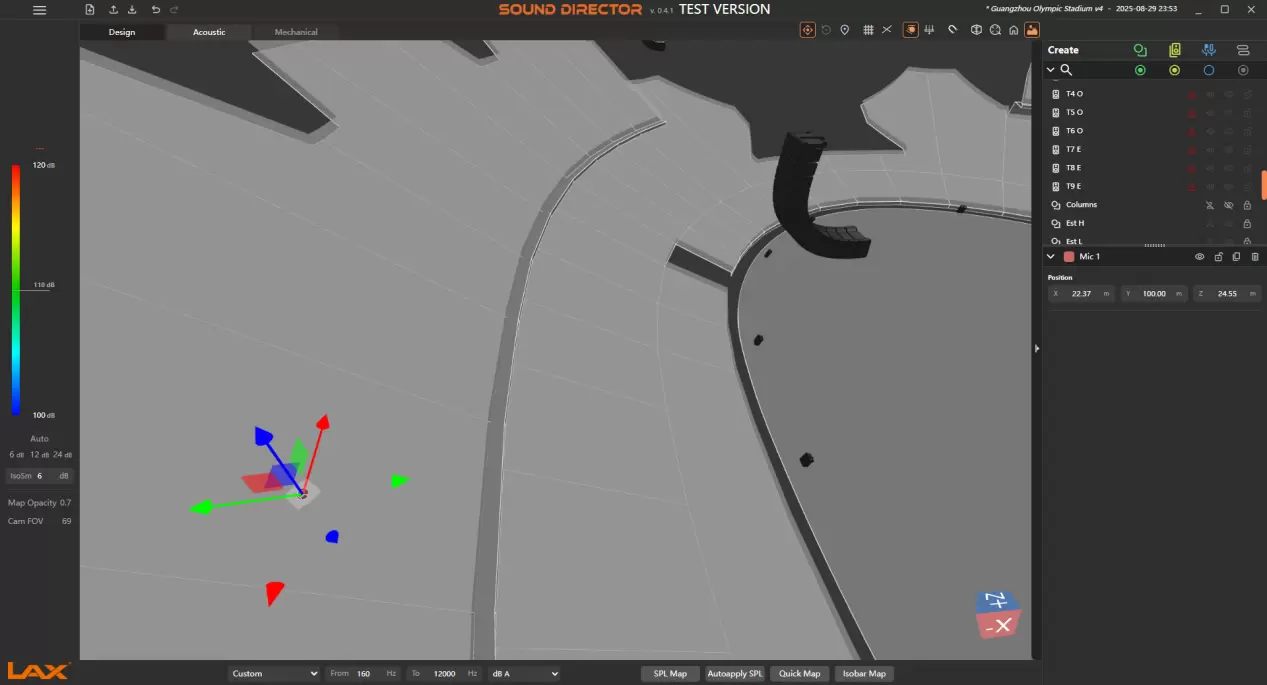
The software enables rapid modeling, facilitating the free creation of project venues within a three-dimensional (3D) space. Venue models can be swiftly constructed via the Plan, Balcony, Revolution, and Polygon modules. Precise modeling is achievable through dragging 3D coordinate icons or inputting coordinate points. The mirroring function allows for direct module replication, enabling efficient symmetrical completion of models. Additionally, the import of 3D model files is supported.
Loudspeaker Arrangement
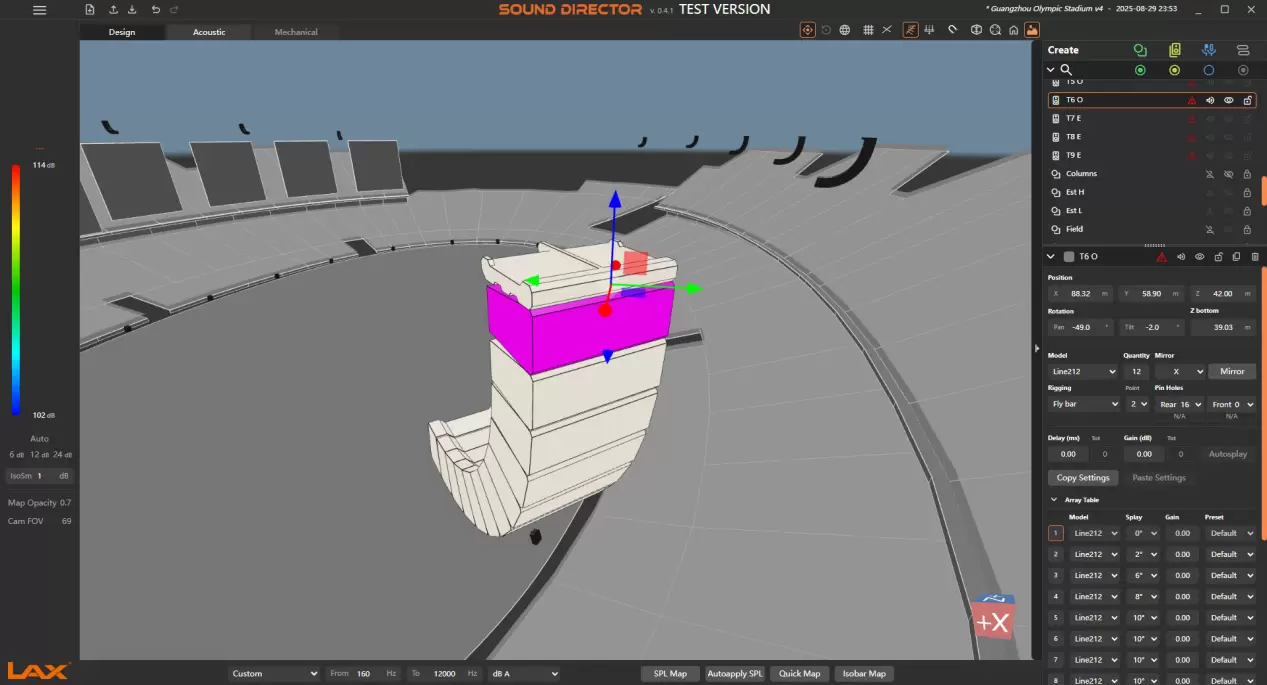
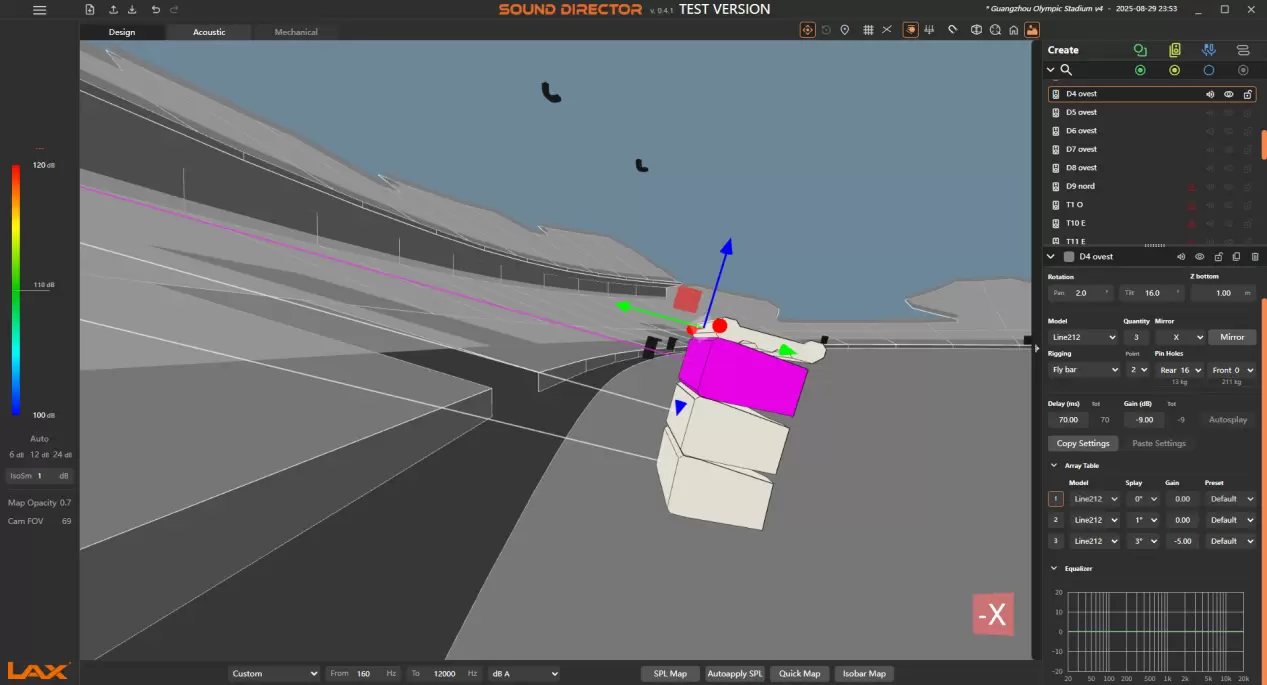
The software supports the convenient placement of line arrays, point sound sources, and subwoofers within the model. Precise positioning can be achieved rapidly by dragging 3D coordinate icons or inputting coordinate point data. The coverage area of each loudspeaker can be flexibly adjusted by modifying the angles of its X, Y, and Z axes. The coverage position of the center point of each loudspeaker can be visually displayed via the "Speaker Center Rays" feature. For line array loudspeakers, the Autosplay function enables the rapid calculation of angle parameters between individual array loudspeakers and the optimal mechanical specifications of the loudspeakers.
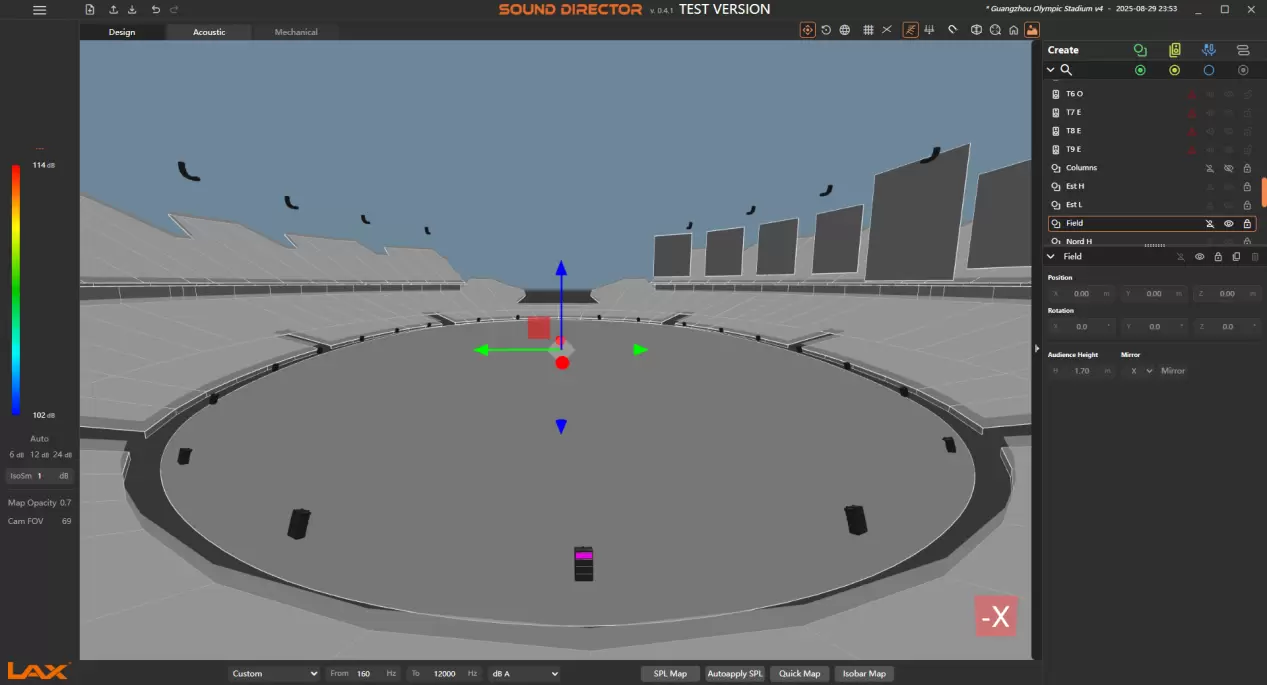
Sound Field Calculation
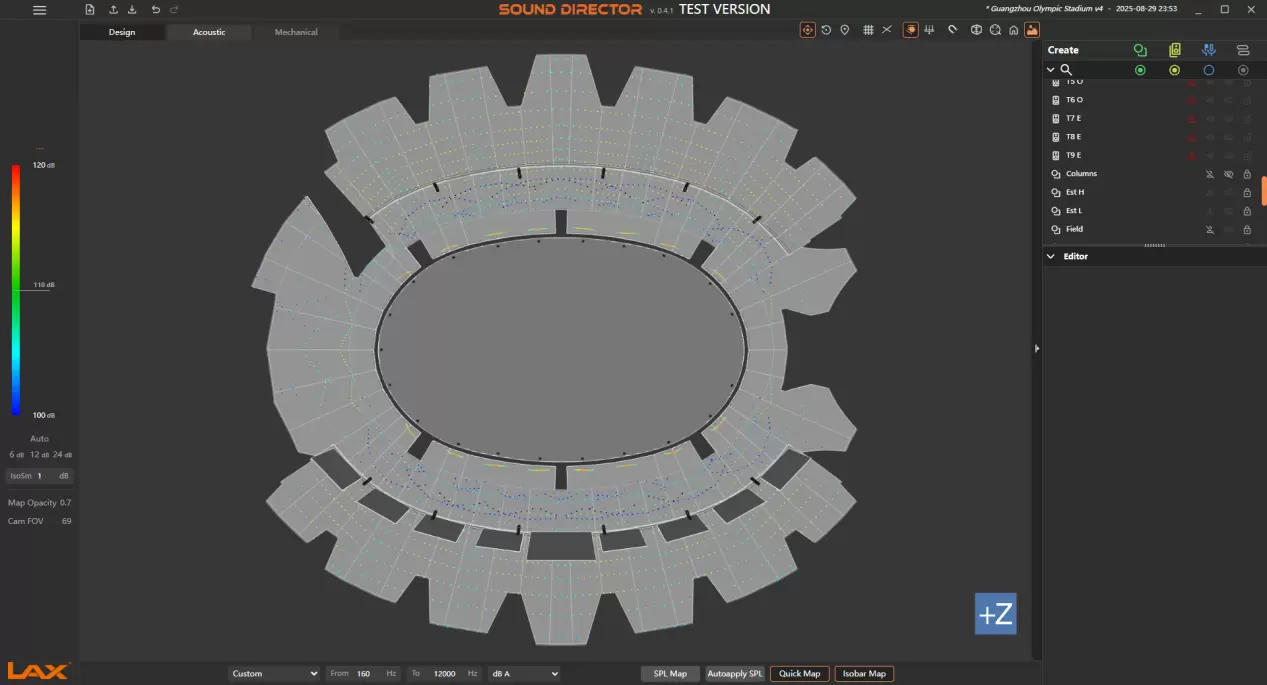
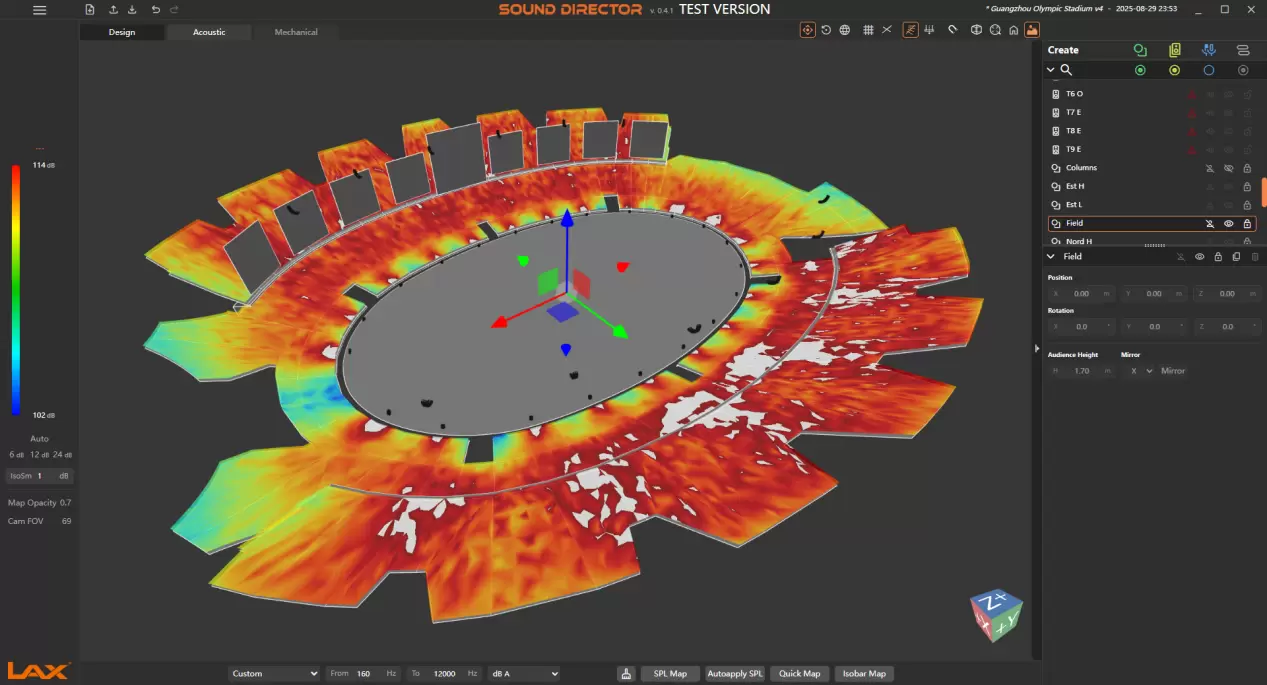
During the design phase, sound field data can be rapidly computed via the Quick Map module, while a full set of sound field simulation data is obtainable through the SPL Map module. Simulation data generated by Sound-Director is visualized in the model using a color-coded scheme, enabling designers to intuitively visualize their designs and optimize the acoustic system.
Installation Data Guidance
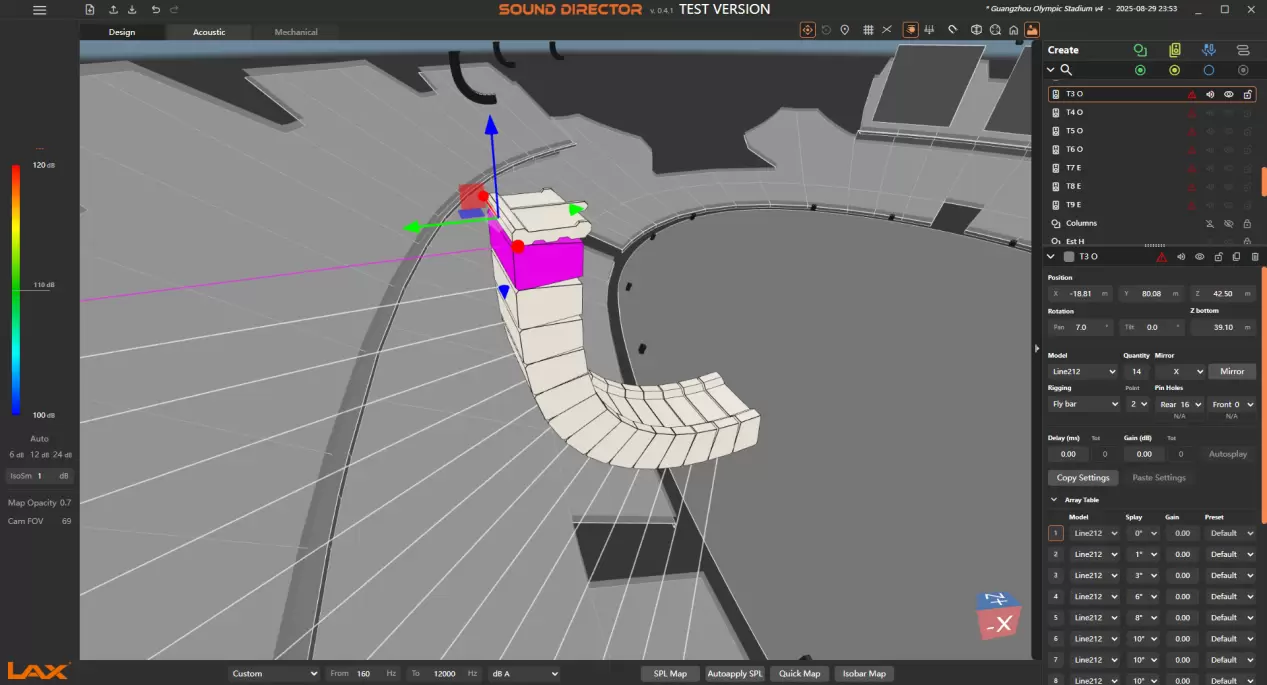
During the design process, calculated installation guidance can be derived from the software, including bracket hole positions, opening/closing angles between loudspeakers, and bracket selection criteria, among other parameters.
Microphone Acoustic Measurement and Pre-adjustment
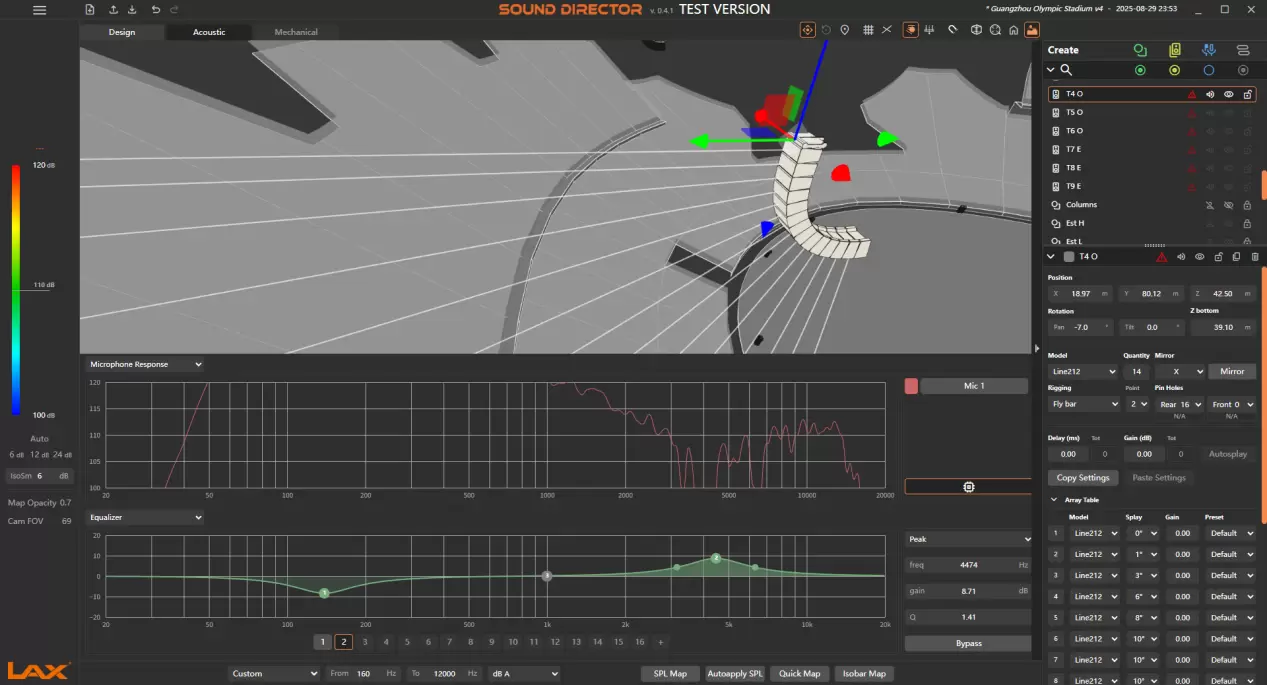
Within the software, multiple microphones can be deployed to conduct acoustic measurements of the sound system in the modeled venue, simulating the audio conditions at the microphones’ respective positions. Targeted audio adjustments can be applied to the loudspeaker clusters covering the measured positions, including parameters such as Peak, Low Shelf, High Shelf, Low Pass, and High Pass. Adjustments can also be performed at the cluster level.

Custom-built audio solutions from our in-
house R&D and manufacturing
facility.